Flip a House Session Flip Checklist
Pre-flip, clean, furnish, sell, reinvest—repeatable steps for every Flip a House! run.
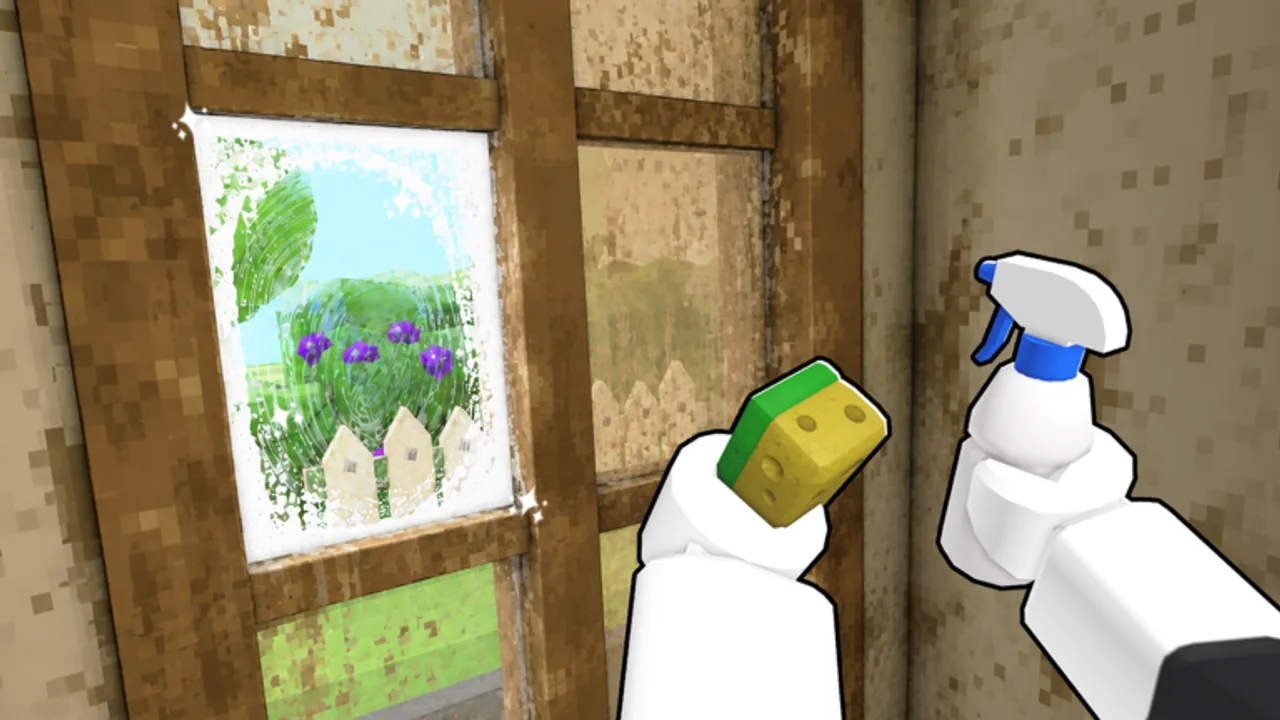
Use this flip checklist every time you join Flip a House! on Roblox. It turns the fantasy loop—clean trash, vacuum/scrub, furnish, sell, upgrade, bigger houses—into a session script you can run solo or with up to four co-op partners. Bookmark it beside Getting Started and the Tools Hub.
The embedded video below shows the experience in motion; match what you see to each phase rather than improvising mid-house.
Phase 0 — Pre-flip (2–5 minutes)
- Launch from the official place: Flip a House.
- Claim Like + Join Group free money if the prompts still appear on your account.
- Confirm party size (1–4) and agree on roles: trash, detail clean, staging, floater.
- Glance at Controls if you swapped from PC to mobile/console.
- Set a cash goal for the session (example: unlock next vacuum-class tool, or fund one S-tier furniture package).
Skipping Phase 0 is how lobbies argue for ten minutes inside an already filthy foyer.
Phase 1 — Secure the job
- Pick a house your current tools can finish. Early accounts should favor smaller properties until cleaning speed improves (Tools Tier List).
- Walk the exterior and main rooms once without cleaning—note trash density and obvious stain zones.
- Call the route aloud in co-op (“kitchen first, then baths, then bedrooms”).
Scouting prevents four players stacking the same hallway.
Phase 2 — Clean (trash → scrub → vacuum)
Order matters:
- Trash & debris — Clear bags, junk, and blockers with broom-style tools.
- Scrub / wash — Hit stuck grime the broom cannot finish.
- Vacuum-class detail — Remove fine leftover mess so staging starts on “dry” rooms.
Checklist prompts:
- Floors traversable without kicking trash.
- Corners and ceilings checked with a camera sweep (Cleaning Tips).
- Bathrooms and kitchens get a second pass—mess loves wet rooms.
- No teammate furnishing a room that still has active stains.
If a spot refuses to clean, swap tools before rage-walking. Wrong-tool stalls are the top time killer.
Phase 3 — Furnish with intent
- Fund room completers first (beds, main seating, kitchen basics) per the Furniture Tier List.
- Add A-tier supports only after functions exist.
- Skip D-tier vanity until the sell lands and tools are funded.
- Keep walkways open; jammed hallways look unfinished and slow the next clean.
- In co-op, one stager owns placement calls to avoid duplicate sofas.
Deep placement theory: Furniture & Selling.
Phase 4 — Sell without second-guessing
- Full walkthrough as if you were the buyer—any remaining trash?
- Trigger the sell flow when rooms read complete, not merely “better than spawn.”
- Note the offer versus your spend this flip (mental ledger is enough).
- If the offer disappoints, write down whether the fail was dirty leftover or under-furnished functions—fix different next house.
Do not immediately redecorate the same property for twenty minutes unless you are practicing staging. Volume builds skill.
Phase 5 — Reinvest
Spend priority ladder:
- Cleaning efficiency upgrades that raise houses-per-hour.
- S-tier furniture packages that raise average sell price.
- Buffer cash for the next larger house.
- Luxury / D-tier flex only with surplus.
Cross-check Make Money Fast before panic-buying. Then return to Phase 1 with a slightly stronger kit.
Co-op callout sheet
| Call | Meaning |
|---|---|
| “Dry kitchen” | Cleaning done; staging allowed |
| “Tool swap” | Need scrub/vacuum, not broom |
| “Hold buy” | Do not spend until sell resolves |
| “Upgrade vote” | Discuss Phase 5 purchase |
Short calls beat novels over voice chat while vacuums roar.
Solo speed variant
Solo players compress roles: scout → trash ring around the house → wet rooms scrub → vacuum pass → place S furniture → sell → upgrade. Use a timer if you tend to over-detail one bathroom. Perfect is optional; profitable is mandatory.
After a Roblox update
When the experience shows a new update stamp, run this checklist on a small house before trusting old tier instincts. See Changelog and Updates Hub for how we track changes without inventing patch IDs.
Related helpers & guides
- Tools Hub — other wiki helpers
- Getting Started — first-hour framing
- Cleaning Tips — surface detail
- Furniture & Selling — staging mindset
- Make Money Fast — spend timing
Run the checklist until it feels boring—that is when your flips get sharp.
Frequently Asked Questions
Quick answers for Flip a House players.
How long should one checklist cycle take?
Small early houses may finish in minutes; larger properties take longer. Focus on clean phase order, not a rigid clock.
Can I furnish while someone else cleans?
Only in rooms marked dry. Furnishing dirty spaces wastes cash and confuses sell quality.
What do I buy after a good sell?
Prefer cleaning efficiency upgrades first, then high-impact furniture packages, then a cash buffer for bigger houses.
Is the YouTube video required?
No, but it helps you visualize the loop. Always verify UI details in your live Roblox client.