Find the Flip a House Discord
Safe discovery via Roblox group socials—no unverified invite URLs on this wiki.
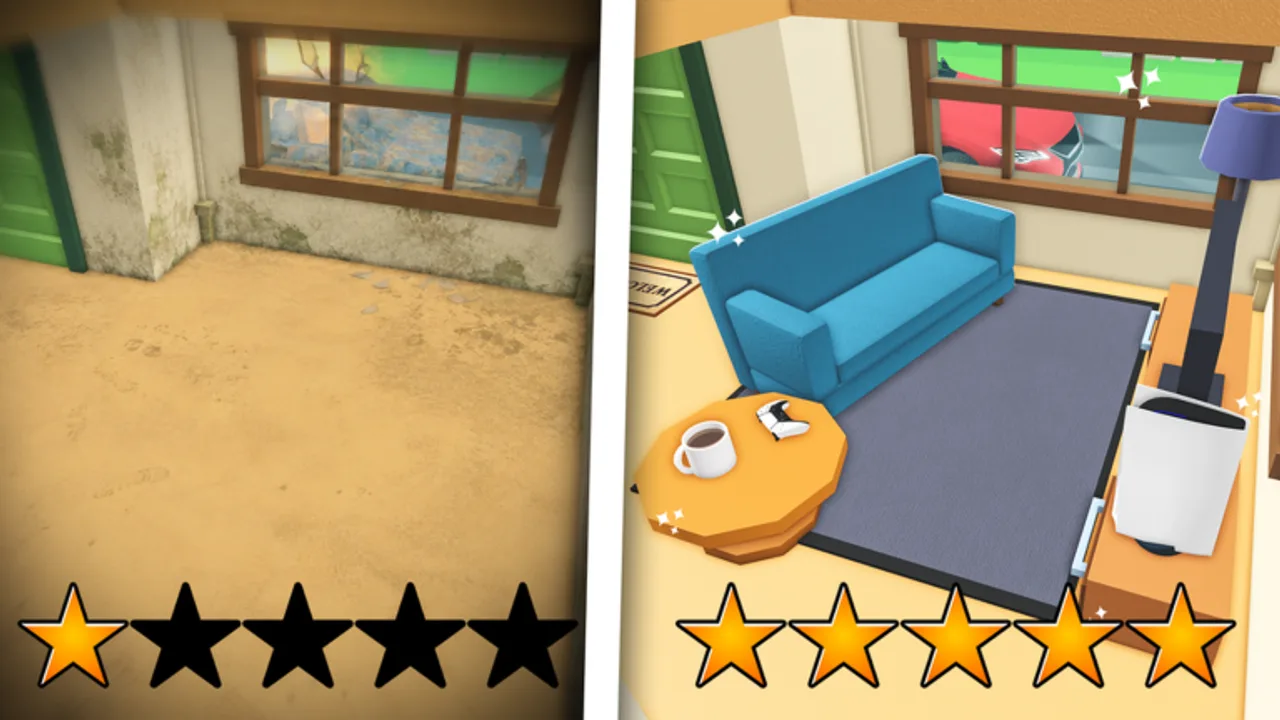
Looking for the Flip a House! Discord? You are not alone—co-op lobbies, furniture flex screenshots, and patch chatter often move off Roblox chat. This page explains how to find the community safely. We do not publish a raw invite link unless it is publicly verified from official channels, because invites rotate and fake servers steal accounts.
Parent page: Links Hub. Official group: Increates House. Official place: Flip a House.
The video embedded mid-article walks through joining from a player perspective—use it as a visual aid, then still verify destinations yourself.
Safe discovery steps
- Open Roblox and visit Increates House via the community link above.
- Inspect Social links, group shout, and recent community posts for Discord mentions.
- Prefer URLs that clearly belong to the creator group or experience—not a stranger’s bio pasted in a public server.
- After joining Discord, enable 2FA on both Roblox and Discord, ignore “free Robux” DMs, and never download executors shared in tickets.
- Cross-check any “code drop” against in-game redemption UI; this wiki lists no verified codes yet.
If the group has no Discord linked today, wait. Do not settle for lookalike servers named almost the same thing.
Why this wiki refuses random invites
Invite phishing is common around new Roblox hits. A typed discord.gg/... in a fan article can be hijacked later even if it was real once. Pointing you at group social links / community posts keeps the source of truth with Increates House. When a stable official invite is clearly published and durable, we can revisit linking it from the Links Hub.
What to use Discord for (once inside)
- Looking for co-op partners (up to four per session)
- Sharing before/after flip screenshots
- Hearing about events or shop tweaks earlier than quiet servers
- Asking whether a tool still feels S-tier after a patch—then verifying in-game with the Flip Checklist
Discord is not a replacement for reading Cleaning Tips, Make Money Fast, or the Changelog. Treat chat tips as leads, not gospel.
Red flags—leave immediately
- Mods asking you to verify by downloading a file
- “Free vacuum unlock” if you paste your cookie or password
- Script channels promising instant sell multipliers
- Nitro gift DMs from accounts you just met
- Servers that ban mentioning the official Roblox group
Real communities survive without stealing sessions.
Pair Discord with wiki structure
After you find the server:
- Align upgrade debates with the Tools Tier List and Furniture Tier List.
- Onboard friends using Getting Started and Controls.
- When someone claims a huge patch landed, confirm on the Roblox page and our Updates Hub.
Mobile Discord + Roblox multitasking
Mobile flippers often alt-tab poorly. Before a four-player night, paste the checklist phases into a Discord canvas or pinned message so calls stay short. Keep Roblox in landscape, Discord in overlays only between houses—not during precision vacuum work.
Channel etiquette that helps flippers
Once inside a legitimate server, behave like someone who wants long-term co-op partners:
- Post your platform (PC / mobile / console) when asking for a squad.
- State whether you are learning controls or already midgame on tools.
- Share sell outcomes with context (“small house, vacuum owned, S-tier bed placed”) so advice maps to the Furniture Tier List.
- Do not dump unpaid ads for other experiences in LFG threads.
- If you mirror a wiki tip, link the page instead of rewriting it wrong from memory.
Good etiquette makes Discord a force multiplier for the Flip Checklist instead of a rumor factory.
Separating hype from patches
Discord moves faster than patch notes. When hype spikes (“vacuums nerfed,” “new mansion dropped”), run this filter:
- Is the claim tied to an Increates House post or only a screenshot with no source?
- Can you reproduce it on a small house in five minutes?
- Does the Changelog or Roblox update stamp agree that something shipped?
If step 1 fails, park the drama. If step 2 fails, your account may differ (tool ownership, house tier). If step 3 fails, wait. The Updates Hub exists so wiki readers are not yanked around by every ping.
Account safety extras
- Never screen-share login pages while “proving” you own an item.
- Decline “inventory middleman” trades unrelated to Flip a House furniture.
- Keep Roblox privacy settings tight if you LFG with strangers.
- Leave servers that normalize script sharing; this wiki will not help you recover a compromised account.
Recap
Find Discord through Increates House social links and community posts, watch the join walkthrough video for orientation, refuse unverified invite spam, and bring conversation insights back to verified gameplay loops. Cross-check upgrades with tier lists, onboard friends with Getting Started, and return to the Links Hub anytime you need the official Roblox URLs in one place.
Frequently Asked Questions
Quick answers for Flip a House players.
Why is there no discord.gg link on this page?
We avoid unverified or unstable invites. Use the Increates House group social links and community posts to find Discord safely.
Is the YouTube video official?
It is a community walkthrough for joining Flip a House Discord. Always confirm links against the Roblox group before accepting invites.
Can Discord replace the wiki guides?
No. Use chat for teammates and timely tips, then verify mechanics with checklists, tier lists, and official Roblox pages.
What if the group has no Discord listed?
Wait for an official post. Do not join lookalike servers promising codes or scripts.