Flip a House Players & Controls
Platform notes and input basics for Flip a House! on Roblox—PC, mobile, and console.
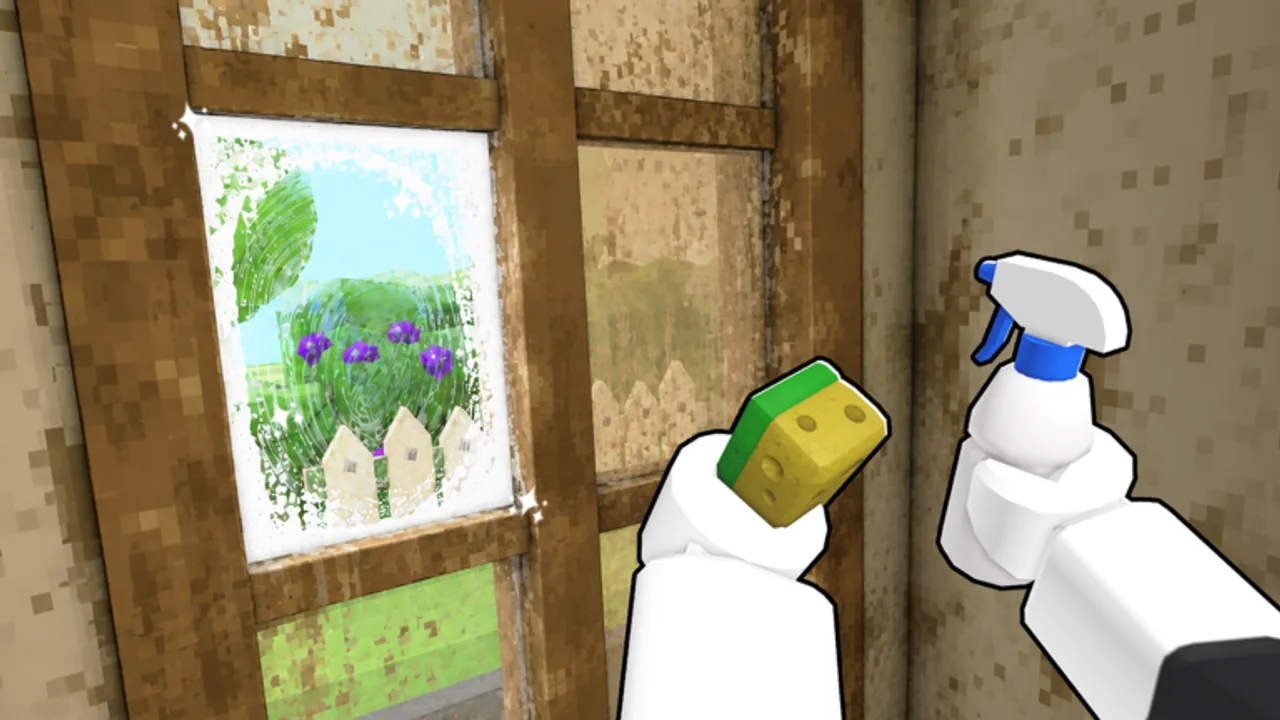
The Players hub is your control-room for Flip a House! on Roblox. Before you worry about vacuums, furniture tiers, or bigger houses, you need clean movement, reliable interact prompts, and comfortable camera work—especially in co-op with up to four friends. This overview explains how inputs feel across platforms and points you to the full Controls reference.
Brand-new flippers should also open Getting Started and keep the Flip Checklist nearby for session structure.
What Flip a House asks of your inputs
The fantasy is simple: walk a messy property, clear trash, vacuum or scrub surfaces, place furniture, sell, then reinvest. That loop is heavy on approach → prompt → hold/repeat actions. If your interact key feels inconsistent, or mobile touch targets fight the camera, every house takes longer than it should. Spending five minutes tuning controls often saves an entire evening of frustration.
Platform notes (Roblox)
PC
Keyboard and mouse remain the most precise setup for furniture placement and camera nudges. Expect standard Roblox movement with click-or-key interacts depending on the prompt. Bindings can vary slightly after client updates—if a prompt shows a different key than you remember, trust the on-screen hint. PC players usually lead co-op furniture staging because rotating pieces is easier with a mouse.
Mobile
Touch joysticks plus on-screen buttons carry the same loop, but scrubbing and precise placement need patience. Increase brightness, avoid tiny UI scale if prompts feel easy to miss, and consider a clip-on cleaner routine: clear open floors first so you are not fighting camera clip while vacuuming corners. Many mobile players prefer shorter houses until tools improve—pair this hub with Cleaning Tips.
Console
Gamepad play on supported Roblox consoles uses sticks for move/camera and face buttons for interact. Sensitivity matters: too high and furniture placement jitters; too low and looking for ceiling mess becomes a chore. If you host co-op, call out when you swap tools so teammates are not waiting on silent prompt fails.
Co-op player roles
Flip a House supports online co-op up to four. Healthy lobbies specialize:
- Trash runners — sweep loose debris toward disposal routes
- Detail cleaners — vacuum / scrub stuck mess
- Stagers — haul furniture after rooms read clean
- Floater — covers whichever room is behind
Roles are social, not class locks. Still, agreeing on jobs stops four people vacuuming the same hallway. For upgrade priorities while you play together, see the Tools Tier List and Furniture Tier List.
Free money reminder
When the experience prompts you to Like the game and Join the Increates House group for free cash, do it on an account you actually play. It is one of the few verified early boosts—unlike unverified “codes” floating around social media. Official group: Increates House.
Accessibility & comfort
- Lower camera shake or sensitivity if scrubbing makes you motion-sick.
- Use headphones in co-op so callouts beat overlapping vacuum noise.
- Take breaks between large houses; the loop is repetitive by design.
- Colorblind players: rely on prompts and room-clear habits, not only stain hue—more tips on the Controls page.
Where to go next
- Full binding-style reference: Controls
- First-hour walkthrough: Getting Started
- Session routine: Flip Checklist
- Patch awareness: Updates Hub
Master inputs once, then let tool and furniture tiers do the heavy lifting.
Frequently Asked Questions
Quick answers for Flip a House players.
Does Flip a House support co-op?
Yes—online co-op for up to four players on Roblox. Split cleaning and staging roles for faster flips.
Which platform is best?
PC is usually best for precise furniture placement. Mobile and console are fully playable; tune sensitivity and expect slower staging.
Where are detailed keybinds?
Open the Controls subpage for movement, interact, tools, camera, mobile touch tips, and accessibility notes.
How do I get early free money?
Use the in-game Like and Join Group prompts when shown, and join the official Increates House community on Roblox.